Use the links below as a guide to help you get started and make the most of your membership. We're so excited to help you begin your fitness journey with MVP!
New Member Guide
Quick links and helpful info for new members
New to MVP?

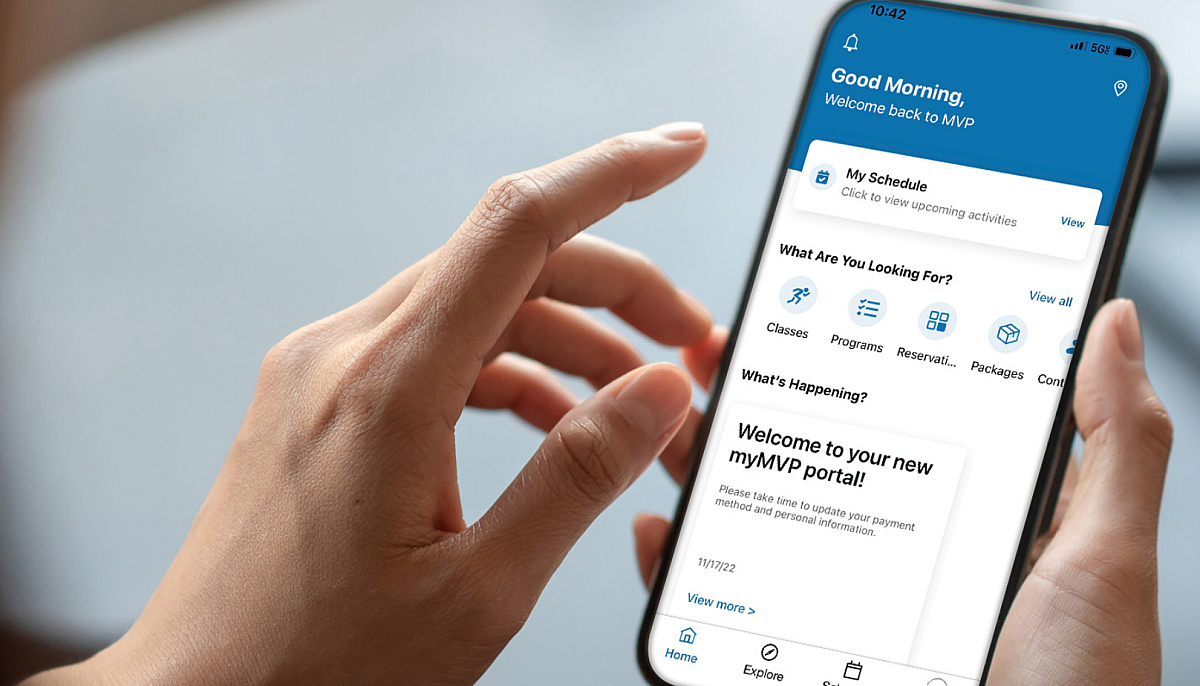
Access Your Account!
Find everything you need to help smoothly access and use your MVP account.
Complimentary Guest Passes
Get rewarded, just for being a member! All active primary members, including insurance-sponsored members, will receive one guest pass each month for no additional cost!

Quick Links by Club
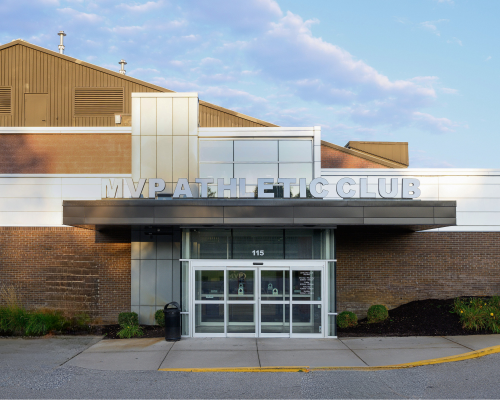
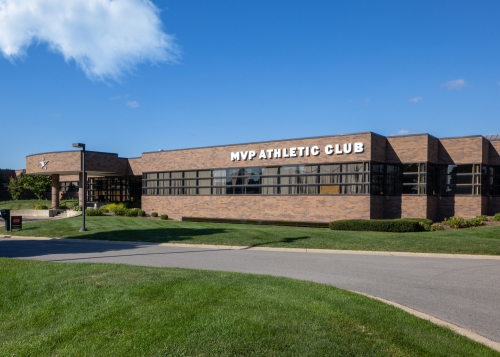


MVP Rockford
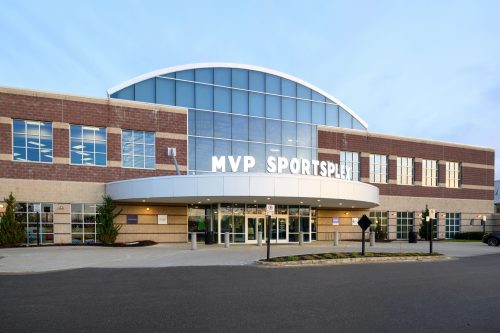
MVP Sportsplex
Try something new - on us!
Complimentary Sessions for New Members
-
PLAN Training Session
All new members receive a complimentary 1-hour PLAN consultation and 1-hour training session. Our highly experienced, certified personal trainers take the time to understand your goals, challenges, and lifestyle—crafting a customized plan designed just for you.
Schedule Your PLAN Session -
Racquet Sport Experience
Claim your complimentary Tennis or Pickleball experience and discover your new favorite sport. Whether you're picking up a racquet for the first time or getting back into the game, our certified pros make it easy to jump in. Learn the fundamentals, meet other players, and experience one of the most fun, social, and active communities at MVP. With programs for every age and skill level, you'll leave your first class ready for the next one.
New Member Pickleball or Tennis Experience -
Reformer Pilates Class
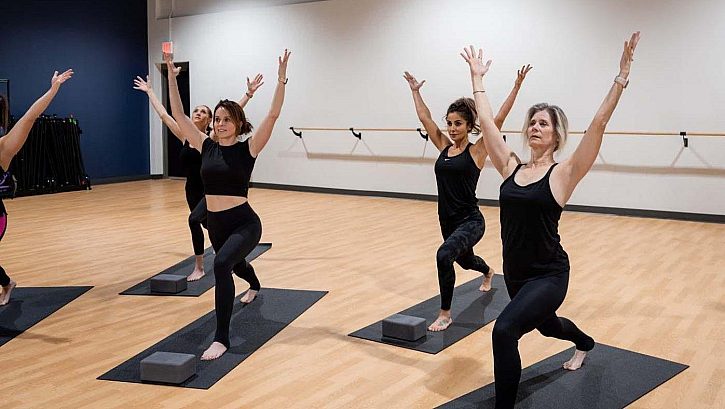
Whether you're new to Pilates or looking to deepen your practice, our classes focus on core stability, flexibility, posture, and mindful movement to support total-body wellness. We recommend new members to start with our BEGIN class to learn the ropes (and the springs) in a guided, slow-flow environment. Experienced participants may enjoy FORM or SCULPT for a focus on functional movement, postural correction, and use creative variations to make Pilates work perfectly for your body.
Reformer Pilates
Hours
View a breakdown of all club hours by location including hours for main facilities, childcare, pools, courts, and more!
Upcoming Events
From tennis and pickleball tournaments to special group exercise events, our wide variety of events offers something for everyone!
FAQ
Helpful Tips for New Members
-
This can be done on BOTH our new member portal and our mobile app - wherever you prefer!
On the member portal- Select “Register for a class” from your left-side navigation
- Use the filters, search, and location selection drop-down to search for a class
- Click the green “Sign up” button to register once you have clicked through to the class of your choice
- You will be asked to confirm if you would like to register any additional family members, select which member on your account you are registering for the class, and confirm your registration
- Your class will now show on your “Home” display under "My Registrations"
On the mobile app
- From the home screen you can select "Classes", or navigate to "Schedule" at the bottom of your screen
- Use the location and category filters to sort your view, and the calendar to look ahead to different dates if needed
- Once you have located the class you would like to take, select the blue "Sign-up" button
- "Confirm" your registration if everything looks correct
- You will now be able to view this registration on your "Home" view
- Tip: You can also click on the heart icon when viewing any class to add it to your favorites for easy access in the future!
Please note: If you are having difficulty navigating this process, please still plan to come into the club and participate in the group class you wanted to register for. We will not turn you away if you did not register! Before or after the class, stop by the front desk and a team member can help you navigate this process for your next visit! -
This can be done on BOTH our member portal and our mobile app - wherever you prefer!
On the member portal
- Select “Register for a program” from your left-side navigation
- Use the filters, search, and location selection drop-down to search for programs
- Click the green “Sign up” button to register once you have clicked through to the program of your choice
- You will be asked to confirm if you would like to register any additional family members, select which member on your account you are registering for the program, and confirm your registration
- Your program will now show on your “Home” display under "My Registrations."
On the mobile app
- From the home screen you can select "Programs”
- Use the search fields to filter all your options and then select the blue “Show Programs” button
- Click through on the program you would like to register for
- Review all the information carefully, including the fee (if applicable)
- Select the blue “Sign-Up” button and follow any remaining prompts
- Once completed, you should see the program you signed up for visible on your “home” display within the app
-
This can be done on BOTH our member portal and our mobile app - wherever you prefer!
On the member portal- Select “Reserve a court” from your left-side navigation
- Use the filters, search, and location selection drop-down to search for available reservations
- Select the blue "Search" button
- Click through to the reservation of your choice and select the blue "Confirm" button to complete the reservation
- Your reservation will now show on your “Home” display under "My Registrations"
On the mobile app
- From the home screen, select "Reservations”
- Complete the drop downs and search filters to find an opening for the court you are hoping to reserve
- Select the search button to view open reservations
- Once you have found one that meets your needs, click the blue “Reserve” prompt on the bottom of your screen
- Select the blue “Sign-Up” button and follow any remaining prompts
- Once completed, you should see your reservation visible on your “home” display within the app
-
We require infants (12 months and under) to be registered ahead of time. You can do this through the member portal, or on the mobile app.
-
Simply bring your guest to the front desk and let the team member know you want to use your pass. Your guest will need to bring ID and fill out our welcome form as a facility waiver.
All-Access Upgrade
Become an ALL-STAR and get rewarded with additional benefits at all of our clubs!
- Access to all five club locations
- Access to MVP Work-Space in Grand Rapids
- Access to Pickleball Facility at MVP Crahen
- Receive 3 guest passes every month
- Exclusive pricing on Reformer Pilates classes
- 50% off both pickleball and tennis court reservations
- 10% off all concession and retail items
- and MORE!
Explore All-Access
Join Now